To add users/managers to your venue, login to www.professionalhospitality.com.au and click on Employer Login. Use your username and password to login.

If you have forgotten your password, click on the 'I forgot my password' link.

Select the venue

Scroll to Linked Users
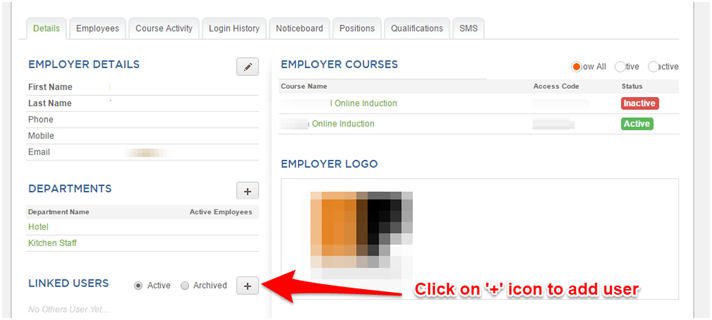
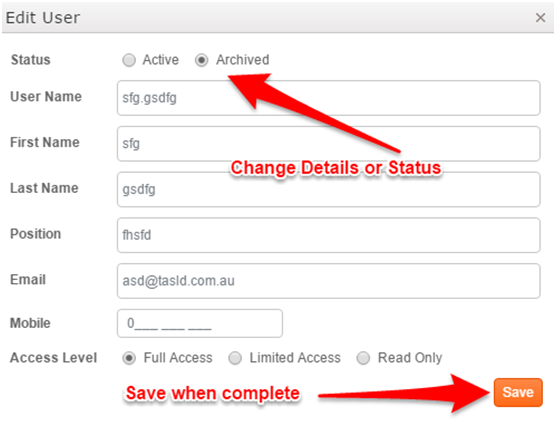
Add User Details

Once details are saved, notify the user of their User Name and Password by selecting the user again and clicking on Welcome Email.

For more information see Sending password reset and log-in details to users and employees.
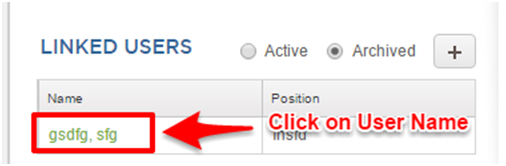
To edit the user, select user by clicking on the User Name